
Today, there are numerous different digital inventory managers available. How do you choose among so many options? Of course, every company has different requirements for their software, but there are still a few qualities that define a good inventory manager.
Thorough inventory taking is crucial to ensure accurate inventory records and make informed economic decisions.
In this blog post, we've put together a short checklist of features that your new digital inventory manager should definitely have!
1. Intuitive Operation of Inventory Software
It may seem obvious, but a good user interface is absolutely essential. Inventory managers with a complicated interface often require intensive customer training and thus have a high barrier to adoption. Good inventory software with an intuitive user interface can reduce the need for extensive training and should be effortlessly used by anyone in the company. This leads us directly to the second point:
2. Clear Inventory Overview
This might also seem obvious, but that's what good user interface design is all about: you never have to think about it. A clear overview of the entire inventory, including all assets, is an absolute must for any inventory manager. This includes excellent filtering options, so everyone can quickly access exactly the information they need.
3. Fast Inventory Capture
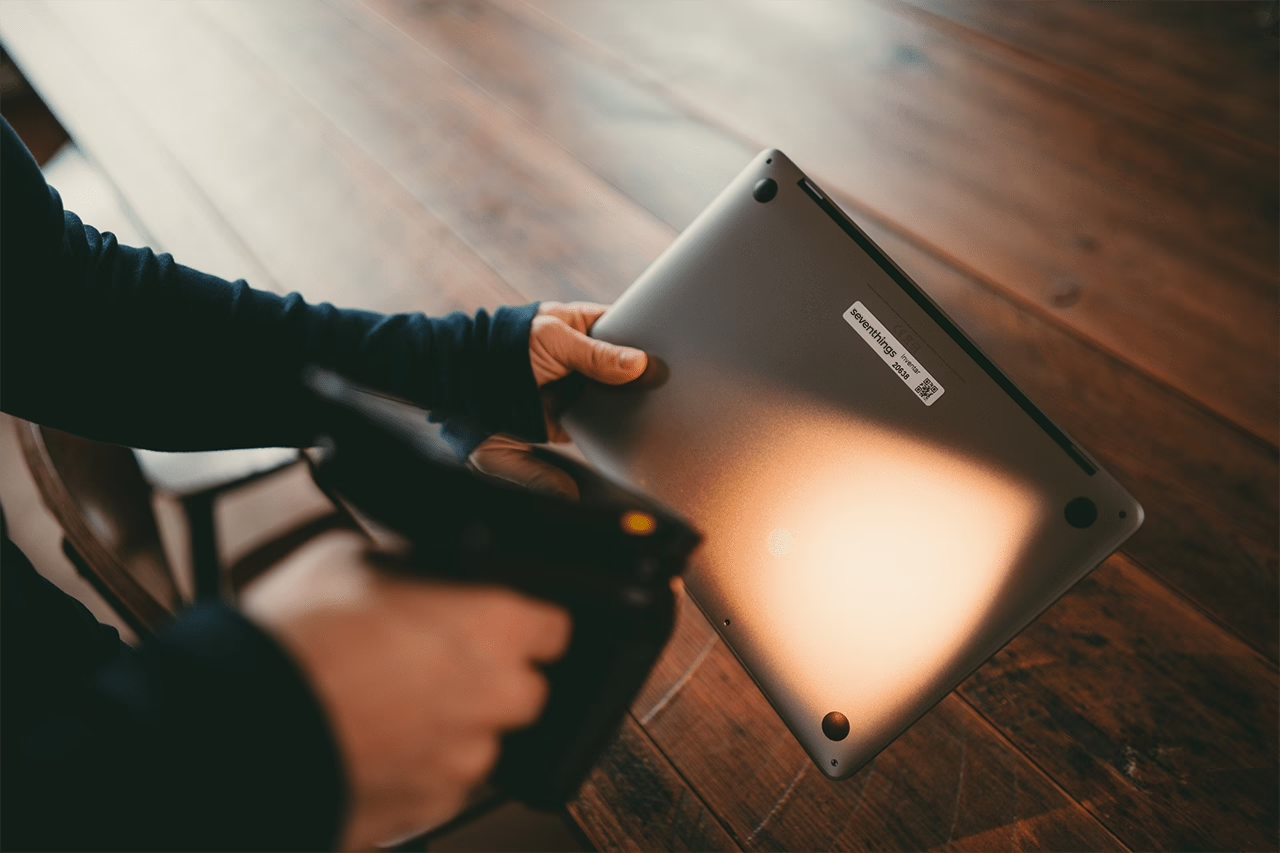
A digital inventory manager is primarily acquired to save time. Consequently, it must be quick to add new items to the inventory. It is particularly important to capture IT hardware quickly and efficiently. There are various ways to do this, such as specialized label scanners. However, additional purchases always come with extra costs, and presumably, not every employee will have a scanner. The best inventory managers therefore offer a more modern, convenient solution: smartphone apps included with the purchase. Ideally, these are available for every mobile device, with an offline mode and an easy way to directly assign items to locations.

4. Importing Existing Records
Most companies have in each department different inventory lists — accounting might prioritize the purchase price or when the warranty expires, while IT wants to know how many monitors they have for their employees, or how long software licenses are still valid. Reconciling these lists is, of course, a huge effort. It's much easier to manage everything in one central location. For this to happen quickly, it's important to have all relevant documents to ensure a smooth import process. Interfaces for importing existing lists help significantly. The best digital inventory managers therefore offer the ability to extract data from other systems, such as DATEV or SAP, or even from Excel lists, and then display them centrally and transparently for everyone.
Do you want to know what makes good inventory software for IT? Click here!
5. Flexible Configuration
Another important characteristic of good inventory managers is flexibility. IT inventory management can benefit from flexible software configuration, by being intuitively supported by wizards and running automatically. This also includes the possibility for usersto freely configure their own software. Some inventory managers have very rigid user interfaces where every change must be made by the provider. Often, this hidessignificant additional costs for the user, as each change is billed separately. Good software therefore offers the possibility to customize everything yourself. The best ones offer this directly on the user interface, so that everyone can truly adapt the inventory manager to their individual needs.
6. The Option to Get Labels Directly from the Provider
Last but not least: The labels you need for digital inventory managers. Sure, you can buy your own label printer, but honestly: How often will you use it again after the initial inventory? Of course, a new item is added now and then, but most companies don't constantly buy new things that require inventory labels. So, owning a printer usually isn't worth it.

That's precisely why it's particularly practical if your digital inventory manager's provider can also supply you with your labels right away. There are many different types of labels suitable for various items – and if your provider can supply the labels, they can certainly also give you excellent advice on the selection.
Do you want to know which labels are best for your company? Then click here!
Ultimately, every company must decide for itself which features are most important to them and choose their new software accordingly. For some, for example, the possibility of a cloud solution is the most important thing, while others only consider providers who carry out the complete initial inventory. But no matter which digital inventory manager you ultimately choose, one thing is clear: With the new software, inventory processes will always become faster, more efficient, and more cost-effective.














.svg)

.svg)
.svg)