Seventhings logo
Product
solutions

Asset Intelligence

Circularity Hub

What is Asset Intelligence?

‍

The seventhings app

Track, assign, manage

‍

Book a demo
Features

All features

User Management

integrations

Overview

n8n

Impact Studies

Wie Bovensiepen (ehemals Alpina) seine Umstrukturierung mit seventhings meistert.

Use cases
Users
‍

Controller & CFO

‍


use CaSes

Inventory Management

‍

Erfassungsservice

Barcoding

Wartung

Maintenance Planning & Intervals

Fault Report

Workplace Management

Desksharing & Workspace

Furniture

‍

industries

Healthcare

Public area

Manufacturing

Automotive sector

Impact Studies

Wie Bovensiepen (ehemals Alpina) seine Umstrukturierung mit seventhings meistert.

PricingTestimonials
Resources
ROI calculator

‍


blog

‍


Help CenterROI calculatordownloadsBlogBlog

‍


Impact Studies

Wie Bovensiepen (ehemals Alpina) seine Umstrukturierung mit seventhings meistert.

de
en
de
en
Start for free

Author Profile of Susanne Reuß

Marketing & Communications, seventhings

At seventhings, Susanne Reuß covers topics at the intersection of technology, sales, and decision support, including ROI analyses, software comparisons, and customer testimonials. Her content is aimed at decision-makers seeking an informed basis for selecting asset management software. Her articles are grounded in real customer scenarios and consistently solution-oriented.

All posts by Susanne Reuß
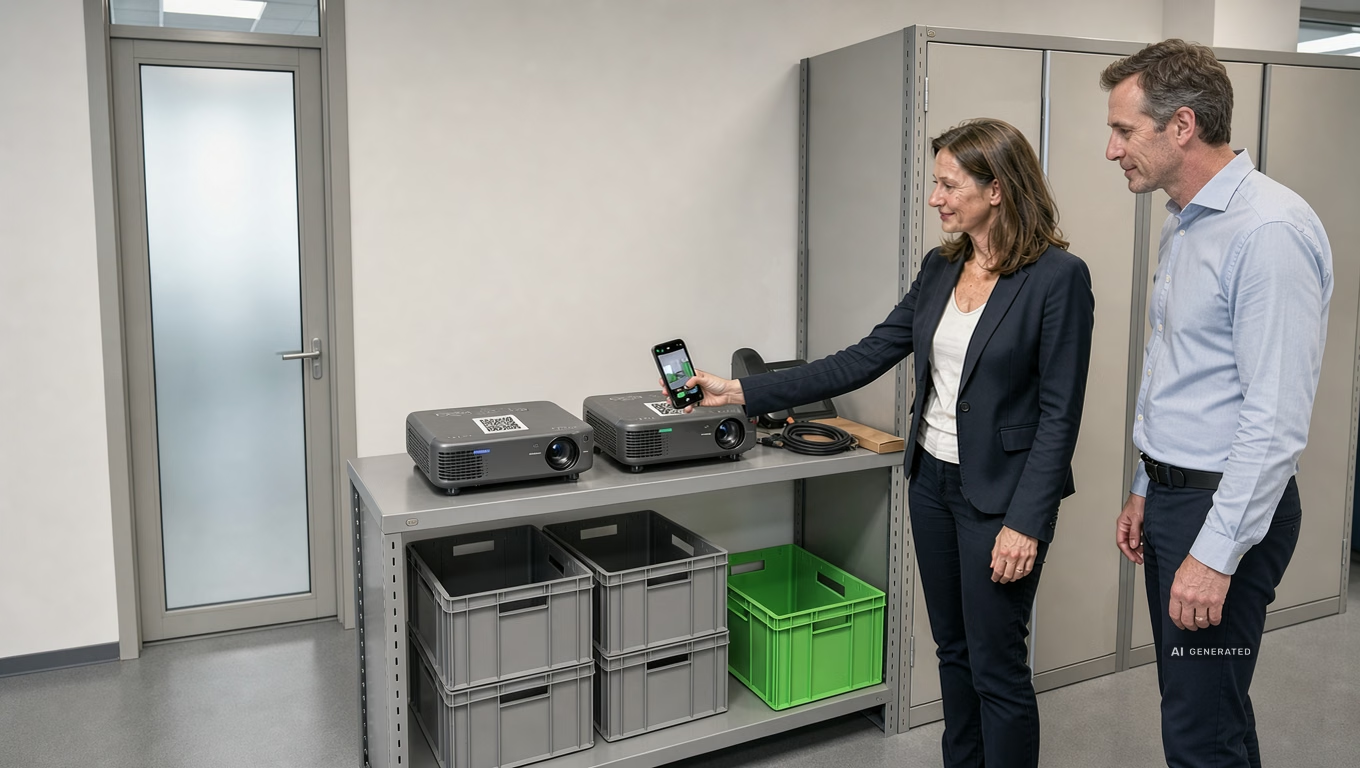

Ein Schlüssel, drei Systeme: Der wahre Aufwand hinter jedem Facility-Vorgang

Use Cases
Susanne Reuß
-
4.8.2026
Artikel
6
min

Asset Management Software: 3 Real-World Case Studies

Use Cases
Susanne Reuß
-
21.7.2026
Artikel
9
min

Fixed asset accounting: What Excel cannot do

Inventory management
Susanne Reuß
-
13.7.2026
Artikel
7
min

Compare asset management software

Inventory management
Susanne Reuß
-
6.7.2026
Artikel
6
min

The Circular Economy of Office Furniture: Why Data Depth is Key to Reuse

Circular Economy
Susanne Reuß
-
6.7.2026
Artikel
9
min

6 Things That Characterize a Good Inventory Manager

Asset Intelligence
Susanne Reuß
-
7.3.2026
Artikel
3
min

Smart Asset Management - Escape the Inventory Trap

Best practices
Susanne Reuß
-
16.12.2025
Produkt
Artikel
7
min
Seventhings icon logo
Become a Circular Champion.
Seventhings

About us

‍Contact

Jobs

Become a partner

solutions

Inventory app

inventory software

IT inventory

Use Cases

About us

‍Contact

Press

Jobs

Become a Partner

Resources

Testimonials

‍Help Center

ROI Calculator

Interfaces

Industries

Healthcare

Public Sector

Manufacturing & Production

Topics

What is Asset Intelligence?

What is the Circularity Hub?

‍

Ask AI

Ask Google

Ask Perplexity

Ask ChatGPT


Wiki

About Us

‍Contact

Press

jobs

Become a partner

HONORED AS ONE OF THE BEST
seventhings is designed to protect your data. We attach great importance to data protection and security. With us, you are ready for:Mit uns sind Sie ready für:
Know what's there. Use what remains.
Copyright © 2026, seventhings
TERMS AND CONDITIONSData protectionImprint
Follow us

From Excel to Asset Intelligence in 14 days.

Tick icon
Non-binding and free
Tick icon
No credit card required
Tick icon
Response within 24 hours

You get access to your personal test instance and tailored support during the trial.
100% non-binding, free of charge and GDPR-compliant.

Some Form Elements
HS shape
form-columns-1
form-columns-2
HS shape Is main form class.
form-columns-1 Is class of wrapper with 1 column for inputs.
form-columns-2 Is class of wrapper with 2 columns for inputs.
Input and label
HS input
Field Description/Help text
hs-field-desc
This is help text for the field
Field error message
hs-error-msgs inputs-list
hs-error-msg
  • Error message label
hs-error-msgs inputs-list Is an HTML list element.
hs-error-msg Is a text span inside HTML list item element.
Text area input
hs-input hs-fieldtype-textarea
hs-fieldtype-textarea Is added as combo class.
checkboxes
hs-form-booleancheckbox
HS shape booleancheckbox display
inputs-list
HS input
Note: HubSpot uses basic HTML checkboxes, Webflow checkboxes work differently than the default HTML checkboxes, therefore in order to style HubSpot checkboxes you need custom CSS.
You can use Webflow Checkbox to style and then copy CSS from it.
Radio Buttons
inputs-list
HS shape radio
HS shape radio display
inputs-list
HS input
Success message
submitted-message
This is form success message
reCAPTCHA
HS recaptcha
Submit button
hs_submit
HS button
Thank you! Your submission has been received!
Oops! Something went wrong while submitting the form.