
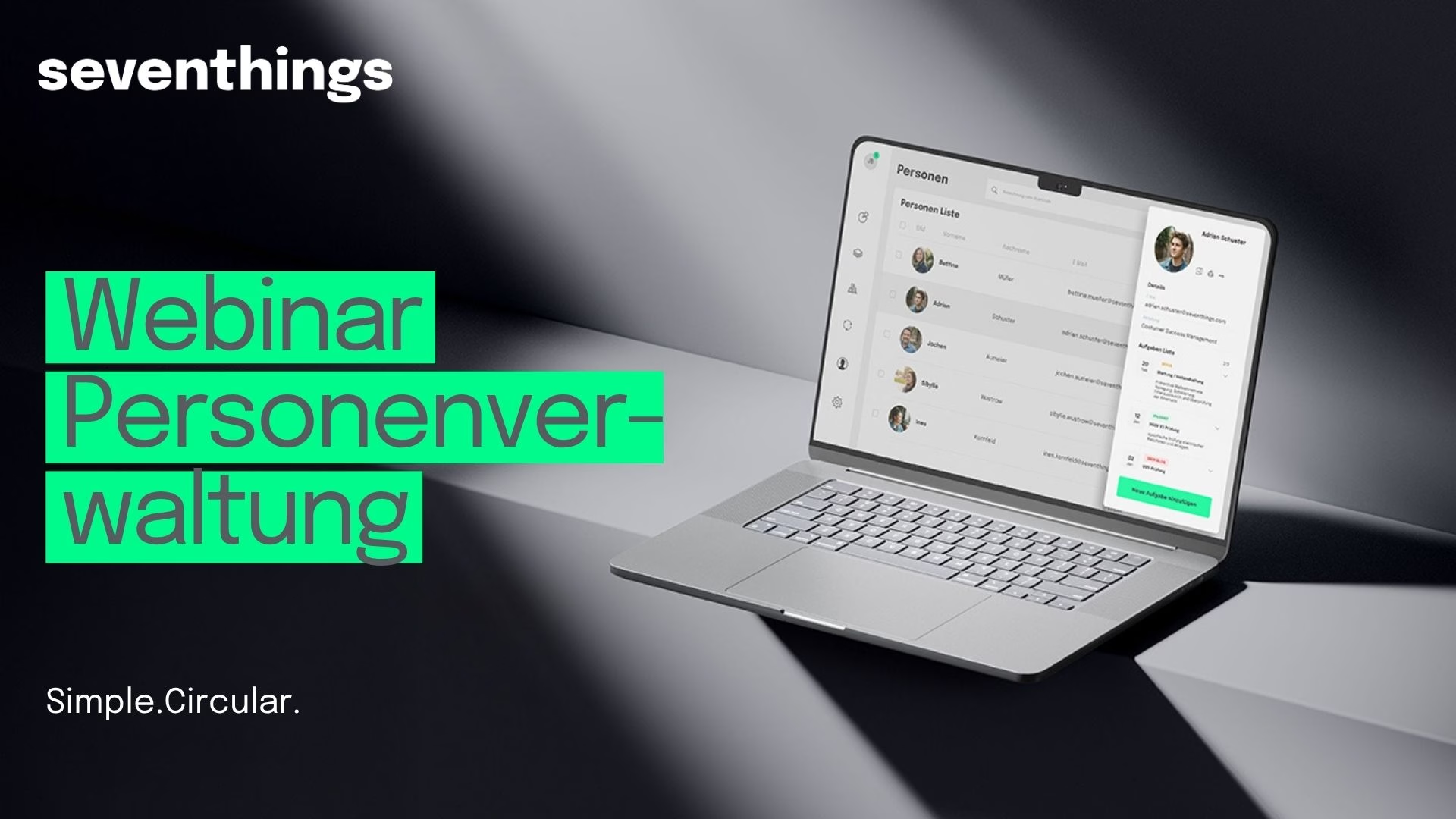
People management in seventhings: How to link inventory, licenses, and documents to employees
Key Takeaways
- In seventhings, you can create people profiles independently of a user account. There is no quota for this; the only limit is your available storage space.
- 41% of audits fail when relying solely on manual asset records (ISACA 2024). Digital handover protocols with sign-on-glass signatures close exactly this gap.
- Four processes benefit directly: onboarding and offboarding, license management, documents with expiration dates, and equipment lending.
- The full recording of the live webinar on people management is available as a video.
A technician carries tools. An employee uses a laptop and three software licenses. An external service provider performs a task on a machine. In each of these cases, an inventory process is tied to a person, yet in most systems, this connection is nowhere to be found. This is exactly where the new people management feature in seventhings comes in.
In the 30-minute live webinar, CEO Michael Lehnert and Head of Product Henry Agsten demonstrated the problems this solves and how to get started in practice. The recording is now available. This article summarizes the key points and adds context that could only be touched upon briefly during the webinar due to time constraints.
What is people management in seventhings?
People management is the layer in seventhings that links inventory, licenses, documents, and tasks directly to employees, regardless of whether they have their own user account. It is located in the main navigation under "Team" and brings people and users together in a single view. You can find an overview of all platform features on our feature page. For seventhings, this is the difference between spreadsheet management and a platform that tracks who is assigned what and what happens to those items during a transition.
Why Excel lists fail when assigning assets to people
73% of ERP system users maintain parallel Excel lists for tasks that the ERP should actually cover (Forrester 2023). It is no different when assigning inventory to employees: who has which company phone, key, or license is recorded in a separate spreadsheet that is outdated by the time the next personnel change occurs.
The result becomes clear during an audit. 41% of audits relying on purely manual asset records fail (ISACA 2024) because assignments and history cannot be fully verified. At the same time, 18% of assets are considered unlocatable during inventory checks (KPMG 2024). Part of this gap arises precisely where an item is listed in the system, but no one knows who it was last handed over to.
Isn't an Excel spreadsheet enough for assigning inventory to employees? For a few dozen items, you can keep that up for a while. But as soon as you add staff turnover, multiple locations, or external service providers, the spreadsheet lacks history: who had the item before, when was it returned, and who signed for it? In seventhings, this history is an integral part of the person view.
Master data as flexible as your inventory management
Standard fields like name, email address, and department are available for every person. Beyond that, you can create your own custom fields, configurable via the settings and the person fields section. This was a deliberate decision during product development: we didn't want the person management feature to feel like a rigid HR module. Instead, it should be just as adaptable as the inventory management itself, because in practice, our customers need completely different types of additional information about their employees.
The four use cases from the webinar
Onboarding and offboarding: Assigning inventory and tracking history
Inventory such as smartphones, computers, or key transponders is assigned via the item itself by entering the person as the user. In the person view, you can then use filter and list functions to see which items are currently assigned to an individual. Assignments can be changed, revoked, or transferred to other people, all while preserving the history.
What happens to the assignment history when an item changes hands multiple times? Every handover is recorded as a separate entry rather than being overwritten. This allows you to trace exactly who used each piece of inventory and when, which makes all the difference during audits and return disputes.
IT licenses: Assignment and analysis by group
Licenses are assigned directly at the employee level. This enables analysis by department or group, for example, to check license costs or identify in good time which licenses are due for renewal. Our article on seventhings integrations with SAP, DATEV, and Microsoft shows how this data can be connected to existing systems.
Facility & documents: Keeping track of expiration dates
In addition to general documents like data privacy or photo consent forms, you can also link documents with expiration dates to individuals, such as health certificates or hygiene passes. In the catering industry, this is a great example: the official initial briefing is a one-time event, followed by annual hygiene training and an official follow-up briefing every two years. These dates can be stored, including automations that send reminders well before the deadline.
How does person management help with deadlines like health certificates or calibration of test equipment? Every document with an expiration date is assigned to the respective person and linked to a reminder logic. Instead of a separate deadline list, monitoring happens right where the person's inventory and handover protocols are located. That is why we built this as part of the person management feature rather than as a standalone module.
Lending and task management: Converting people into users
People can optionally be converted into users via the "Create user" function in the people list. A user account provides access to the full range of features, including lending functions for shared resources and task management. This distinction allows you to either manage employees exclusively or grant them additional active features such as reservations.
Handover protocols for structured transfers
In conjunction with inventory assignment, you can create handover protocols and have them signed directly in the app. For handovers involving multiple items, we recommend mapping the transfer as a separate process or task, within which multiple inventory items can be recorded together.
Is a digital handover protocol sufficient as proof for an audit? A handover protocol with a timestamp, assigned person, and signature provides seamless documentation of the transfer. This directly addresses the area where, according to ISACA 2024, most audit findings in manual processes occur: the lack of traceable documentation regarding assignments.
Quick start: Import, master data, handover protocol
Large numbers of people can be imported via CSV; there is no need to purchase a specific quota for people. In practice, getting started usually follows three steps: first, importing or manually creating the employees; second, configuring the required master data fields; and finally, linking them to existing inventory using the handover protocol function.
The amount of time this adds up to over a year is evident from the search time incurred without central assignment: 5.3 hours per week per employee (IDC 2023), which extrapolates to around 254 hours per person per year over 48 working weeks.
Framework conditions: License model, limits, and integrations
People can be used as a manageable element without limits; there is no separate quota. The only real limit is the available storage space. This is distinct from user accounts, configuration users, or admin users, for which the established license limits still apply. Details on the license structure and the suitable integrations for your existing IT landscape can be found here.
An Active Directory connection for adding people is not yet available, but an import via Microsoft is planned as the next step. In addition, the existing Personio integration is set to be expanded so that people can also be imported directly through it.
The assignment field for inventory is still called "User" because it existed previously and is familiar to many users. Admins can customize the label, for example to "People" or "Assigned employee." Assigning inventory to entire teams is intentionally not supported: only a clear assignment to a single individual ensures that returns and responsibilities remain traceable—a point that has been repeatedly confirmed to us in discussions with customers in the compliance sector.
What should you do if your team already uses a term other than "User"? You can rename the field label in the settings without affecting its functionality. For audit-proof processes related to audits and compliance consistent mapping is what matters, not the field name itself.
What's next?
- Watch the recording. The full 30-minute webinar recording demonstrates the import, master data, and handover protocol live in the system.
- Compare existing processes. Check where onboarding, offboarding, license management, or document deadlines are currently still being tracked in separate spreadsheets.
- Schedule a quick check. In a brief call we will assess how many people and assets in your company would be affected and what an initial import could look like.
Frequently asked questions about personnel management
Does every person need their own user account?
No. People can be created and managed independently of a user account. Only when active features like equipment lending or task management are required is a person converted into a user account via "Create user."
How many people can I add in seventhings?
There is no limit to the number of people you can add, as they are not part of your license quota. Only the available storage space is limited. User accounts with active access remain subject to existing license limits.
How does the integration with Personio or Active Directory work?
The Personio integration is currently being expanded to allow people to be imported directly. An Active Directory connection is not yet available, but an import via Microsoft is planned as the next step.
What happens to assigned inventory when an employee leaves the company?
The assignment remains visible in the history and can be specifically revoked or transferred to another person during offboarding. Handover protocols document the return and the time, which, according to ISACA 2024, is exactly where manual processes often fail.
Can assets also be assigned to entire teams instead of individual people?
No, this is intentionally not supported. Assigning assets to teams would dilute accountability. Only a clear assignment to an individual ensures that returns and responsibilities remain traceable.
Conclusion
Inventory processes are tied to people, whether they are technicians, remote employees, or external service providers. People management in seventhings makes this connection visible and manageable without requiring every person to have their own user account. For companies that have previously managed onboarding, offboarding, license management, and document deadlines using scattered spreadsheets, this is the logical next step.



%20(1).avif)











.svg)

.svg)
.svg)