

Hybrid Work & Inventory Chaos — why remote work has an asset problem that hardly anyone is talking about
Remote work has an inventory problem — and hardly anyone is talking about it.
Everyone is discussing hybrid meeting cultures, desk-sharing concepts, and the right balance between office days and working from home. What's being overlooked: thousands of monitors, headsets, webcams, keyboards, and company phones have ended up in someone's living room cabinet — without a handover protocol, without location tracking, without a clear person in charge.
This article describes why hybrid work creates a structural FM problem that can no longer be solved with traditional methods — and how asset tracking tackles this problem at its root.
Key takeaways
- Hybrid work distributes physical assets across the office and home office — traditional inventory lists fail because they cannot track movements.
- According to IDC, employees spend 5.3 hours per week searching for work equipment — this time increases further in hybrid teams (IDC, 2023).
- 18% of assets cannot be located during internal audits (KPMG, 2024) — a trend that is increasing in hybrid organizations.
- With digital asset tracking in seventhings, handovers, location changes, and responsibilities can be mapped in real-time — without IoT sensors.
Why hybrid work exacerbates the inventory problem
Before 2020, the inventory problem was still manageable in many companies. Assets had fixed locations, and people had fixed workstations. An Excel list could, at least theoretically, still be accurate.
Hybrid work models have changed this. Not dramatically, not suddenly — but gradually. A monitor is taken home for the home office because a desk-sharing spot in the office is occupied. A headset goes along because the built-in camera's quality is too poor for video conferences. A webcam is simply left behind somewhere when an employee changes employers.
According to IDC, employees already spend 5.3 hours per week searching for necessary work equipment (IDC, Productivity Study 2023, 2023). In hybrid teams, where no one knows whether the device they're looking for is currently in the office, at home, or in the workshop, this effort multiplies.
What does hybrid work mean for facility management? Hybrid work permanently distributes physical assets between the office and private workspaces, but traditional inventory management doesn't track these movements. This creates a control gap for FM teams: Who has what — and where? seventhings closes this gap with digital handover protocols and location-independent asset assignment.
The Triple Inventory Problem for Hybrid Teams
The challenge of hybrid work models for asset management can be reduced to three core problems.
Problem 1: Untracked Movements.
In a fixed office environment, Facility Management at least roughly knows where an asset is located. In a hybrid model, locations change weekly — desk sharing means no device is permanently assigned to a single spot. Traditional inventory lists, which rely on fixed locations, are structurally overwhelmed by this.
Problem 2: Unassigned Responsibilities.
Who is responsible for a monitor currently in a home office? The person who took it? The purchasing department that acquired it? The FM team that formally manages it in inventory? In hybrid organizations, this question is rarely clearly answered — and if a device breaks, gets lost, or needs inspection, an email cascade begins.
Problem 3: Inspection Deadlines Without Location Knowledge.
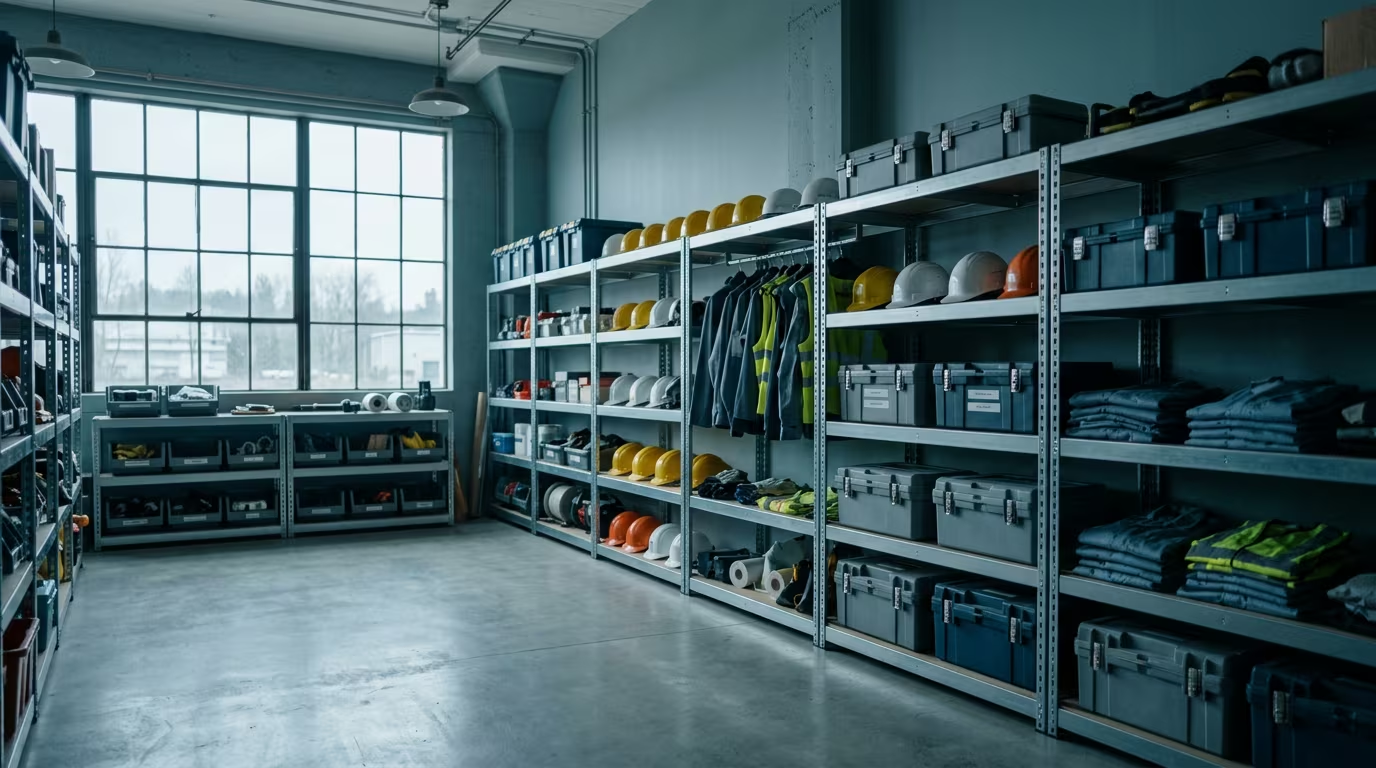
DGUV-V3 devices, electrical equipment, and PPE must be inspected at legally mandated intervals. This requires knowing their current location. An extension cord taken for home office use and operated there for 14 months without inspection is not a minor issue — it's a liability risk.
Which assets are most affected in a hybrid office?
Mobile assets without a fixed network connection are particularly vulnerable: monitors, webcams, headsets, keyboards, company phones without MDM, extension cords, and external hard drives. These devices regularly change location in hybrid operations, are valuable enough to be relevant — and inexpensive enough not to appear in any ERP system. seventhings was designed specifically for this type of asset.
What Traditional Methods Can No Longer Achieve in a Hybrid Model
In 2023, Forrester found that 73% of ERP users maintain Excel spreadsheets for their asset data in parallel — despite an existing system landscape (Forrester Research, ERP User Survey 2023, 2023). That was before the widespread introduction of hybrid work models. Since then, the situation has further intensified.
Traditional methods fail in the hybrid model for a structural reason: they assume assets are static. An Excel list with room numbers works in a fixed-desk model — in a desk-sharing office, a room number is already outdated the next day.
CAFM systems manage buildings and spaces very well — but not mobile assets that move between the office and home office. ERP systems record fixed assets for accounting purposes — but a headset costing less than 250 Euros simply doesn't exist there. MDM systems manage IT assets with network connectivity — but only if the device is checked in.
The gap in between — all movable, less expensive, but numerous assets — remains unmanaged. In hybrid operations, this gap becomes visible and costly.
Why isn't a CAFM system sufficient for hybrid asset management?
CAFM systems are geared towards buildings and spaces — they know where a room is located, but not which device is currently in it or if it has already moved to the home office. Mobile asset tracking requires a solution that maps movements, handovers, and location changes. seventhings complements CAFM precisely there: as Middleware for all assets below the building system.
How Digital Asset Tracking Solves the Hybrid Problem
Digital asset tracking in a hybrid environment works differently from traditional inventory management. The core is not a one-time inventory setup — but the continuous mapping of movements.
Specifically, this means three things:
First: Handover protocols instead of the principle of trust.
When a monitor is taken for the home office, a digital handover protocol is created in seventhings — who, what, where, and from when. Responsibility is documented as it changes. The same applies in reverse upon return.
Second: Location logic without GPS.
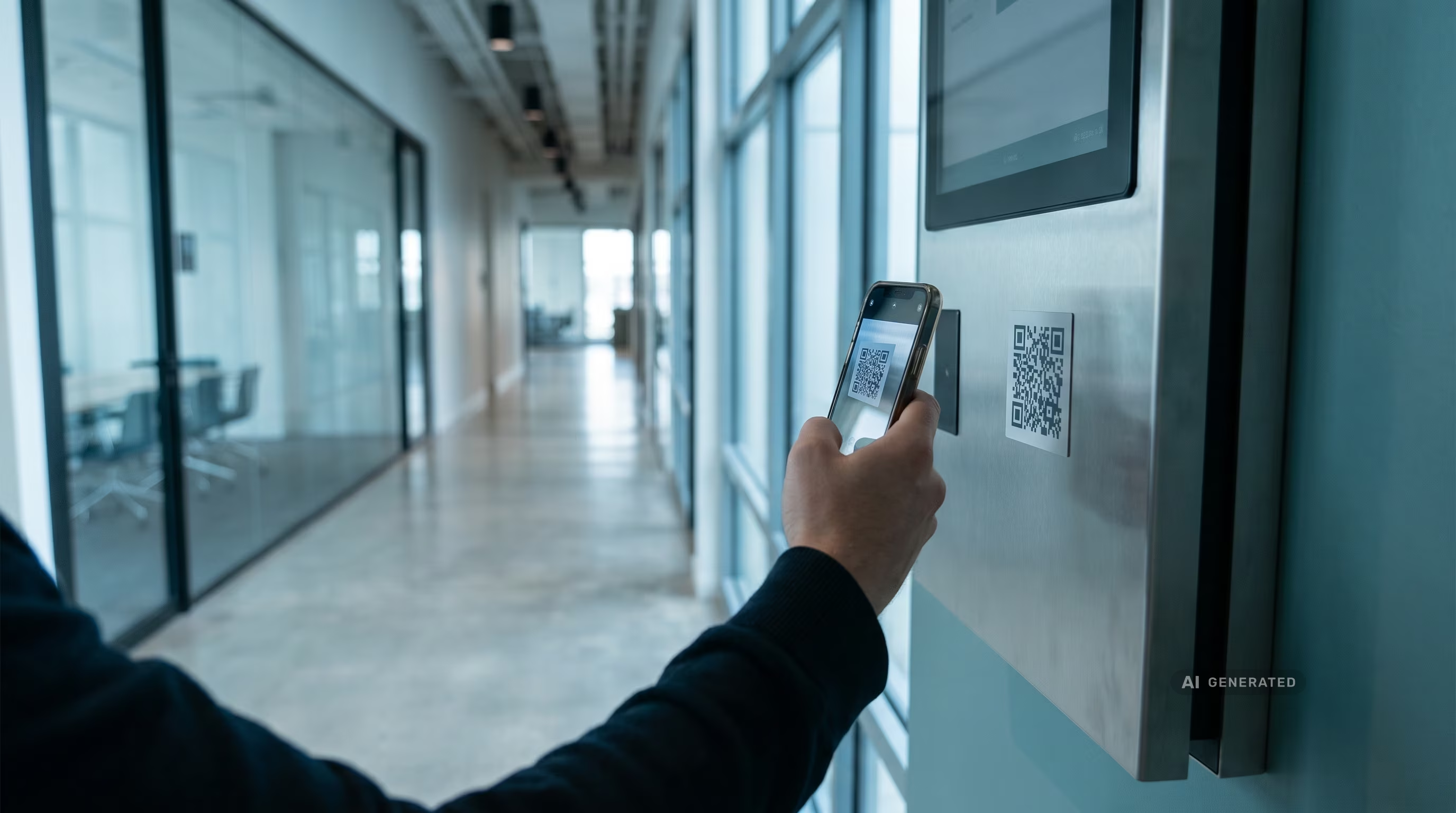
Physical IoT sensors are neither economical nor practical for most workplace assets. seventhings operates without sensors: locations are updated during a scan event (QR code). If someone takes a device, they scan it — the new location is documented.
Third: Inspection intervals independent of location.
The inspection period for a DGUV-V3 device runs regardless of whether the device is in the office or in a home office. With seventhings, the asset owner and the FM team receive automatic reminders — 30, 14, and 7 days before the deadline. The location is irrelevant; accountability is clearly defined.
According to a study by Machine Tracking, companies with structured equipment tracking reduce their unplanned downtimes by up to 30% (Machine Tracking ROI Study 2024, 2024). In a hybrid environment, there's an added benefit: when devices are documented, they are less often reported lost — and less often re-procured twice.
What companies specifically lose in a hybrid model — and what they regain
McKinsey estimates the unused and untraceable equipment per SME at 50,000 to 200,000 Euros (McKinsey & Company, Operations Efficiency Report 2024, 2024). In a hybrid model, a portion of this is distributed not only across building levels but also across employees' living rooms, basements, and home offices.
Nexess Solutions estimates the annual tool loss without active tracking at 12 to 18% of inventory (Nexess Solutions, Equipment Tracking Benchmark 2024, 2024). A company with 500 mobile workplace assets therefore statistically loses 60 to 90 devices each year — without knowing where they have gone.
What FM teams regain through digital asset tracking:
- Clarity on locations: Who has what — and where is it right now?
- Legal certainty for inspection obligations: DGUV-V3 proof even for outsourced devices
- Fewer duplicate purchases: Before reordering a monitor, the system shows that three are already in home office circulation
- Less search time: IDC estimates the effort at 5.3 hours per week — a figure that easily increases in hybrid teams without a system
- Clear liability for damages: The last person responsible is documented
How to get started with hybrid asset tracking
The most common objection is: "We currently don't have the capacity for a new system." That's understandable — and at the same time, the wrong framework. Digital asset tracking is not a project with a kick-off, steering committee, and six-month implementation. It's a tool that can be ready in days.
The realistic starting path for hybrid teams:
Week 1 — Register mobile assets.
All devices that regularly move between the office and home office are tagged with QR code labels and registered in seventhings. These include at least: monitors, headsets, webcams, company phones without MDM, extension cords, and all DGUV-V3 operating equipment.
Week 2 — Introduce a handover protocol.
Every item taken to the home office is now documented via QR code scan. This takes 15 seconds per device. The new location and responsibility are immediately stored in the system.
From Month 2 — Automated inspection deadlines.
All devices subject to inspection receive a deadline. From this moment on, the system automatically sends reminders — the FM department no longer needs to actively track them.
How long does it take to implement asset tracking for hybrid teams?
With seventhings, the first mobile assets can be digitally captured in under a week and handover protocols set up. No hardware installation, no sensors, no ERP integration required. Companies that start with a 14-day trial typically have their entire inventory of mobile workplace assets in the system by the end of the second week.
What's next?
The inventory problem for hybrid teams is not a law of nature. It arises because movements are not documented — and it disappears as soon as they are.
Three concrete steps to get started:
- Assess inventory gap: How many mobile assets does your company have — and how many of them are currently in home offices? If you don't know, that's the answer.
- Define handover process: Which devices can be taken — and under what conditions? A clear process requires a system that reflects it.
- Start 14-day trial: No credit card, no implementation — just get started and see in two weeks what's really in circulation.
Frequently asked questions about asset tracking in the hybrid office
How do you track assets that are in home offices?
With seventhings, an asset is scanned via QR code when it's handed out — the handover protocol automatically documents who has the device and since when. The location is then stored as "Home Office – [Name of Person]". No physical on-site recording necessary.
What happens to the inspection obligation if a DGUV-V3 device is in a home office?
The legal inspection requirement applies regardless of the device's location. The employer remains responsible — even if the extension cord is used by an employee at home. With seventhings, deadlines are tracked digitally; automatic reminders ensure no inspection date is missed.
Does asset tracking work without sensors or GPS in a home office?
Yes. seventhings operates without IoT sensors or GPS. Locations are updated through scan events — when someone takes or returns a device, they simply scan it with their smartphone. This takes 15 seconds and keeps the inventory up-to-date.
Is asset tracking in a home office compliant with data protection regulations?
Asset tracking with seventhings records only devices, not people. The system logs who is responsible for which asset — not where the person is located. This is unproblematic from a data protection perspective and corresponds to standard operational inventory management. Nevertheless, we recommend involving the works council early on.
How much training is required for employees?
Minimal. The handover protocol is completed via a QR code scan with a smartphone — no app installation or login required. Employees receive a link via email or notice and confirm receipt of a device in under 30 seconds.

%20(1).avif)











.svg)

.svg)
.svg)