Search less,
solve more.
.avif)

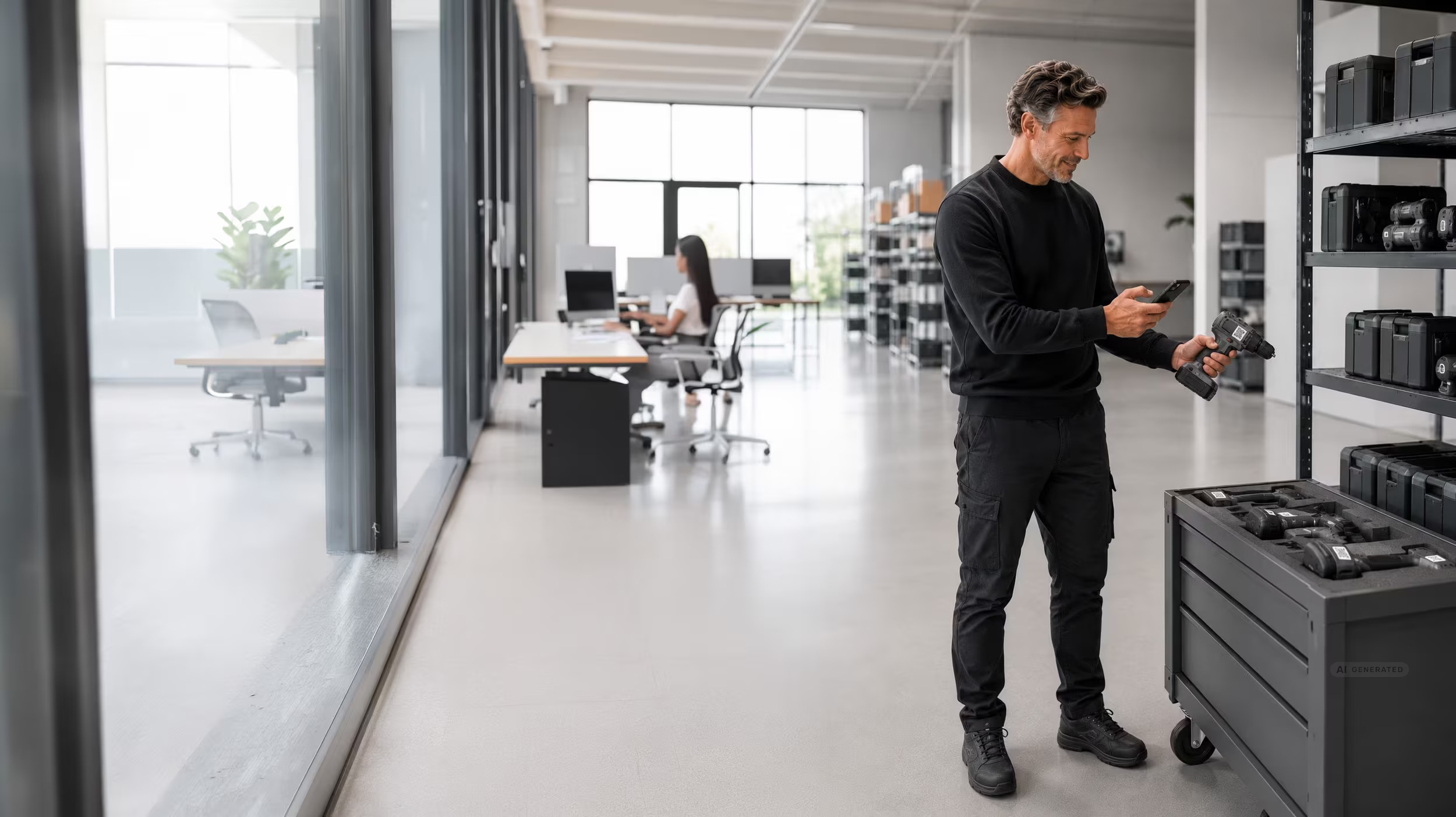
Maintenance management software — also known as CMMS software (Computerized Maintenance Management System) — is a digital system for planning, assigning and documenting maintenance tasks for machines, plants and devices.
In contrast to IoT-based condition monitoring solutions, maintenance management software also works for non-connected assets: machines without sensors, networks or IT infrastructure — the 80% of the operating equipment in most production plants.
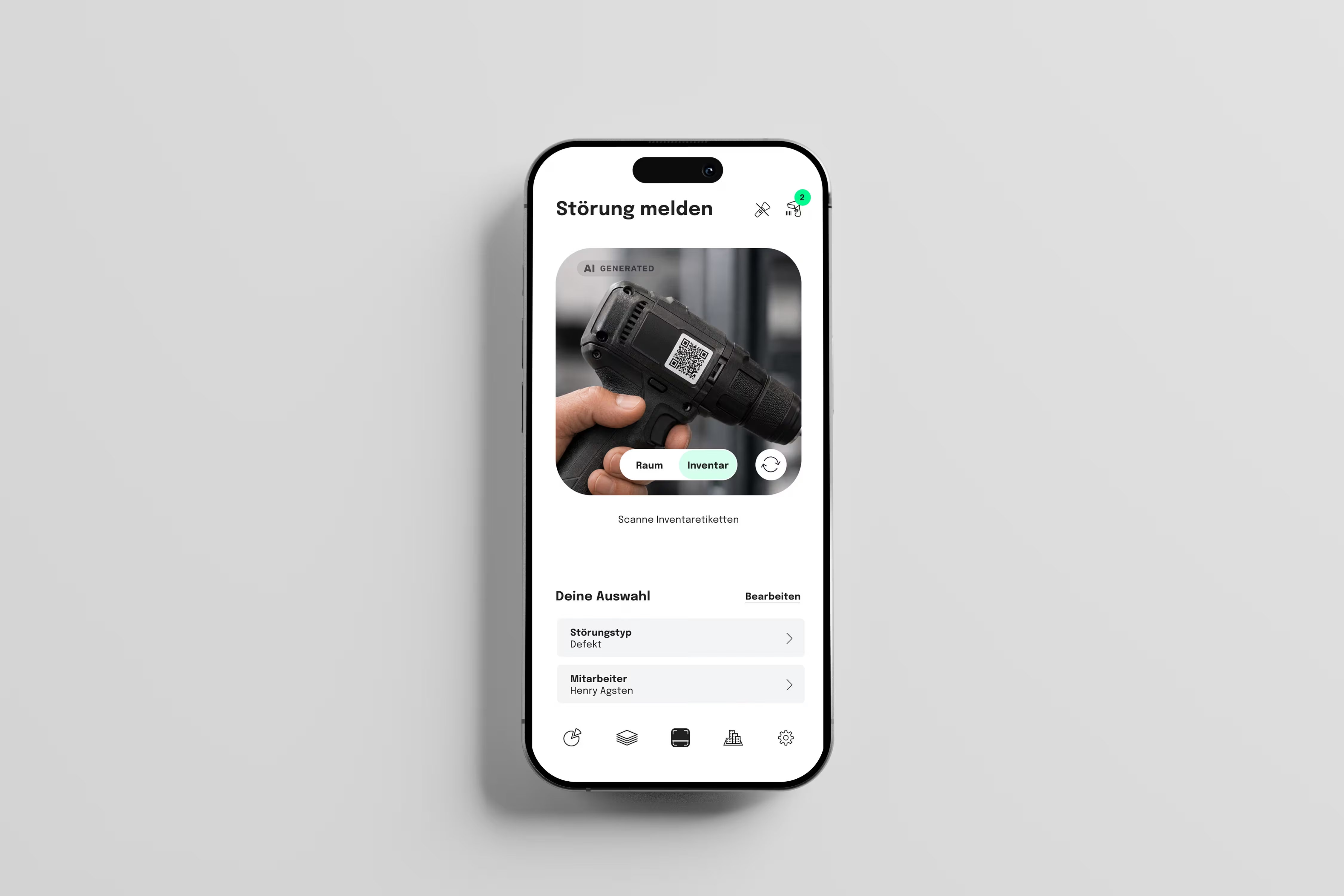
No calls, no notes, no email chains. Every issue immediately becomes a structured ticket — with asset context, photo, and automatic assignment.













Most companies manage their upkeep Still reactive today: A machine breaks down, someone calls, someone comes — at some point. That costs time, money and nerves. And the protocol exists, at best, on paper.
One maintenance management Software like seventhings reverses this mechanism. Not because the concept of preventive maintenance is new — but because the implementation has been too complex so far. Classic CMMS software requires IoT sensors, network connections and months-long IT projects. That is the reality in very few companies.
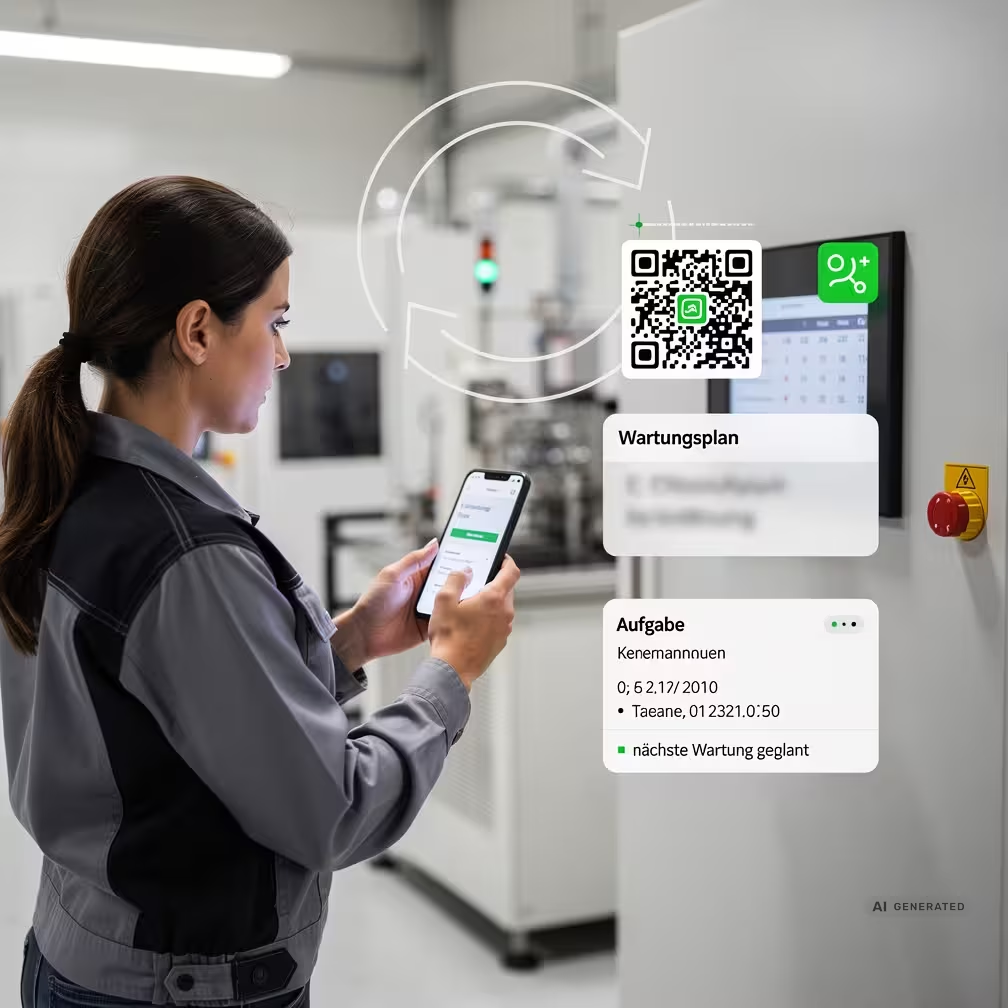
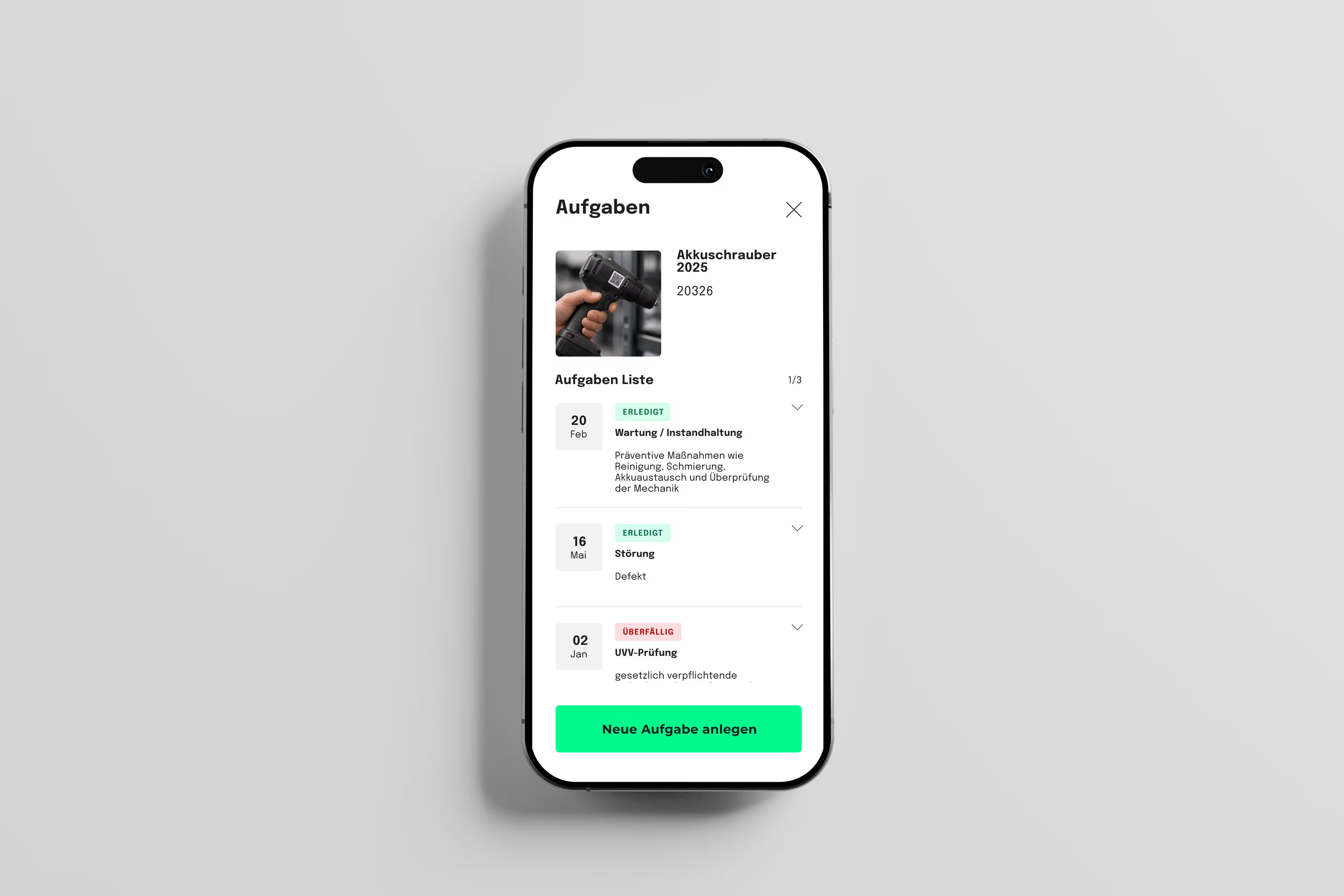
seventhings works for others: for machines without sensors, systems without a network, devices that have been doing their job quietly for years. A QR label on the device is sufficient. The technician scans, sees the full asset context, reports the malfunction in seconds, or immediately completes the planned maintenance. All steps are automatically documented — audit-proof, auditable, without manual rework.
The result: fewer downtimes, clearer responsibilities and a maintenance history that lasts — during the next audit as well as during the next technician failure.
Digital maintenance starts so easily: Live in less than 14 days. No IT infrastructure required. Offline capable.
Import a QR or RFID label directly from the system — or an existing list. Each asset receives its digital file.

Set intervals, assign technicians, activate reminders. Set it up once, be automatically reminded permanently.

The dashboard shows all pending, due and completed maintenance. Export for authorities and auditors at the push of a button.
A ticket is reactive to an incident. A maintenance order is planned and interval-based. seventhings manages both in one system.
Yes, any logged-in employee can create a ticket.
Ja, Dienstleister erhalten eine eigene Rolle und sehen nur die ihnen zugewiesenen Aufgaben. Kein separates Tool nötig.
Yes — the incident history per asset shows frequency, type, and resolution time. Exportable as PDF or Excel.
Ja. Die revisionssichere Dokumentation erfüllt die Anforderungen beider Vorschriften und ist exportierbar für Behördenprüfungen.
Vollständige Funktionalität offline. Daten werden lokal gespeichert und bei Verbindung automatisch synchronisiert.
Seventhings is 100% made in Germany and data protection is our top priority. Our solution is compliant with GDPR and GDPR. All data is encrypted via SSL during communication between client and server.
Yes. With the help of the seventhings API, seventhings offers the option of integrating existing systems into your IT landscape. We offer standard interfaces to leading HR systems (such as Personio), ERP solutions and Microsoft 365 to automatically synchronize data and avoid manual work.
Our pricing model is fairly based on the number of assets you have and the modules you need. In a non-binding initial consultation, we will discuss when and to what extent a solution such as seventhings can solve your challenge. Please feel free to ask for a non-binding offer tailored to you.
The introduction is pragmatic and quick. Instead of months-long projects, we often start with premium onboarding, so you can see the first results after a very short time. Our experts will help you import your existing data (e.g. from Excel or third-party tools) and configure it so that you are immediately ready to go.



.svg)

.svg)
.svg)

