


The Essential Facts About Inventory Management

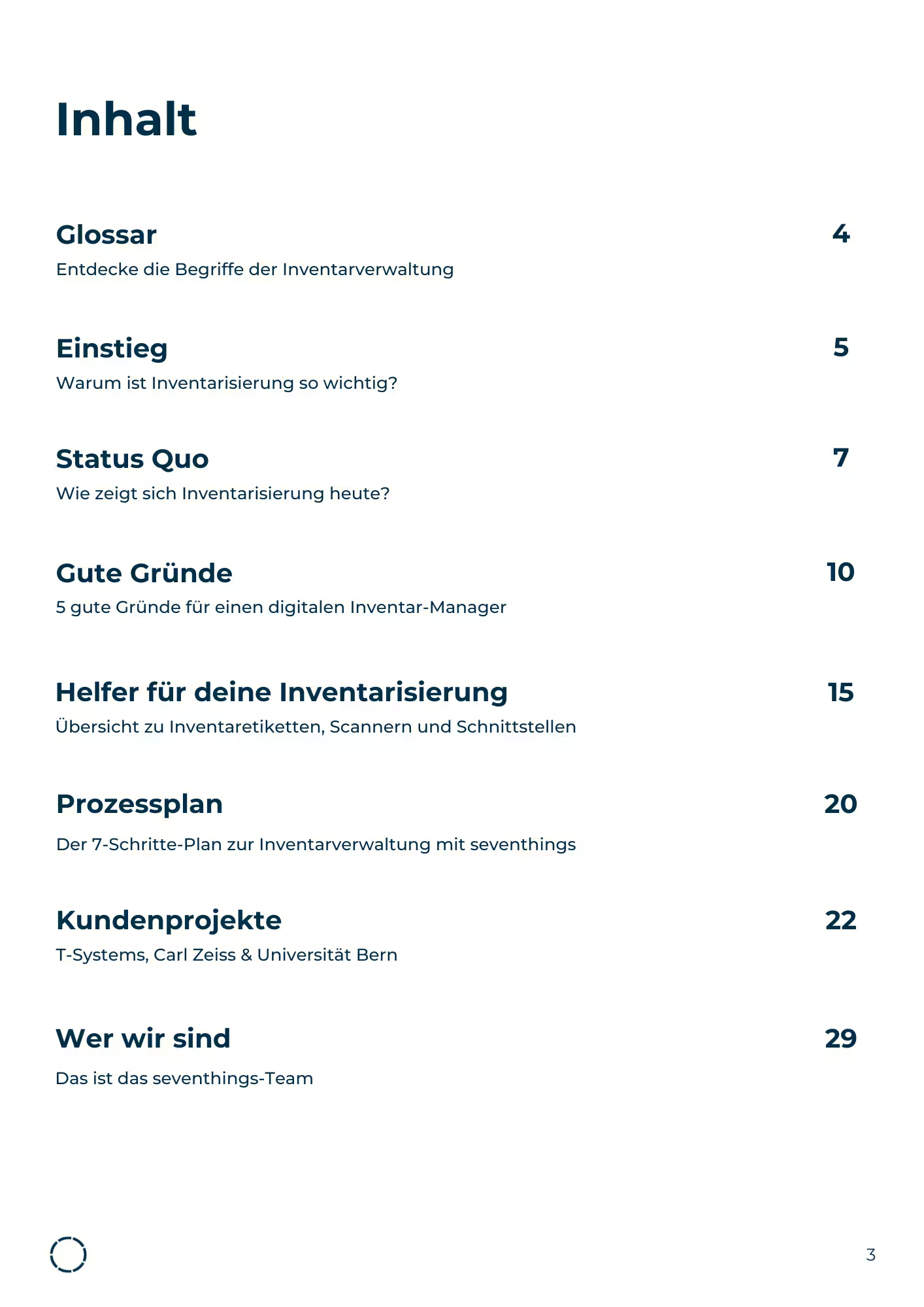
Inventory as a necessary evil? It doesn't have to be. This comprehensive guide gives you everything you need to modernize your inventory process. From legal requirements to practical examples from T-Systems, Carl Zeiss, and the University of Bern, plus a proven 7-step process plan. Download for free now.

“We save so much time. Hard to imagine ever going back to old-school asset management. ”

Porträt eines lächelnden Mannes mit kurzem braunem Haar und Bart, der einen blauen Anzug und ein weißes Hemd trägt.

Florian Bell

CFO, Natsana

Review stars

Jetzt kostenlos starten

Try seventhings free of charge for 14 days without automatic renewal.

Some Form Elements
HS shape
form-columns-1
form-columns-2
HS shape Is main form class.
form-columns-1 Is class of wrapper with 1 column for inputs.
form-columns-2 Is class of wrapper with 2 columns for inputs.
Input and label
HS input
Field Description/Help text
hs-field-desc
This is help text for the field
Field error message
hs-error-msgs inputs-list
hs-error-msg
  • Error message label
hs-error-msgs inputs-list Is an HTML list element.
hs-error-msg Is a text span inside HTML list item element.
Text area input
hs-input hs-fieldtype-textarea
hs-fieldtype-textarea Is added as combo class.
checkboxes
hs-form-booleancheckbox
HS shape booleancheckbox display
inputs-list
HS input
Note: HubSpot uses basic HTML checkboxes, Webflow checkboxes work differently than the default HTML checkboxes, therefore in order to style HubSpot checkboxes you need custom CSS.
You can use Webflow Checkbox to style and then copy CSS from it.
Radio Buttons
inputs-list
HS shape radio
HS shape radio display
inputs-list
HS input
Success message
submitted-message
reCAPTCHA
HS recaptcha
Submit button
hs_submit
HS button
Oops! Something went wrong while submitting the form.